< strong > A gimbal and tripod serve different purposes: a gimbal stabilizes movement (like smooth pans or tilts), while a tripod locks the camera still for sharp, static shots. < strong > While a gimbal can’t fully replace a tripod, combining both tools maximizes versatility for dynamic and stationary photography/videography.
Key Takeaways
- Gimbals stabilize motion: Ideal for handheld shooting, vlogging, and action footage with smooth tracking.
- Tripods ensure stability: Essential for long exposures, time-lapses, and precise framing without camera shake.
- Hybrid use is common: Many photographers use both—tripods for setup, gimbals for movement.
- Battery life matters: Gimbals drain batteries quickly; always carry spares for extended shoots.
- Weight trade-offs: Tripods are bulkier but sturdy; gimbals are portable but limited by battery and motor power.
- Limited overlap: Neither device compensates entirely for the other’s core function.
—
[FEATURED_IMAGE_PLACEHOLDER]
Quick Answers to Common Questions
What is can a gimbal replace a tripod?
can a gimbal replace a tripod refers to essential knowledge and techniques.
📑 Table of Contents
Introduction: The Battle of Stability Tools
Whether you’re a travel photographer, filmmaker, or hobbyist, choosing between a gimbal and a tripod can feel like splitting hairs. Both promise “stability,” but their roles are distinct. This article breaks down when to use each, why they’re often paired, and whether one could ever fully replace the other.
The short answer? No—but pairing them unlocks creative possibilities. Let’s dive into specifics so you can make informed choices for your projects.
1. What Does a Gimbal Do?
A gimbal (or stabilizer) uses motors to counterbalance your camera’s weight, allowing smooth movements even if you’re shaking hands. Think of it as a “magic wand” that turns shaky phone videos into cinematic clips. Common features include:
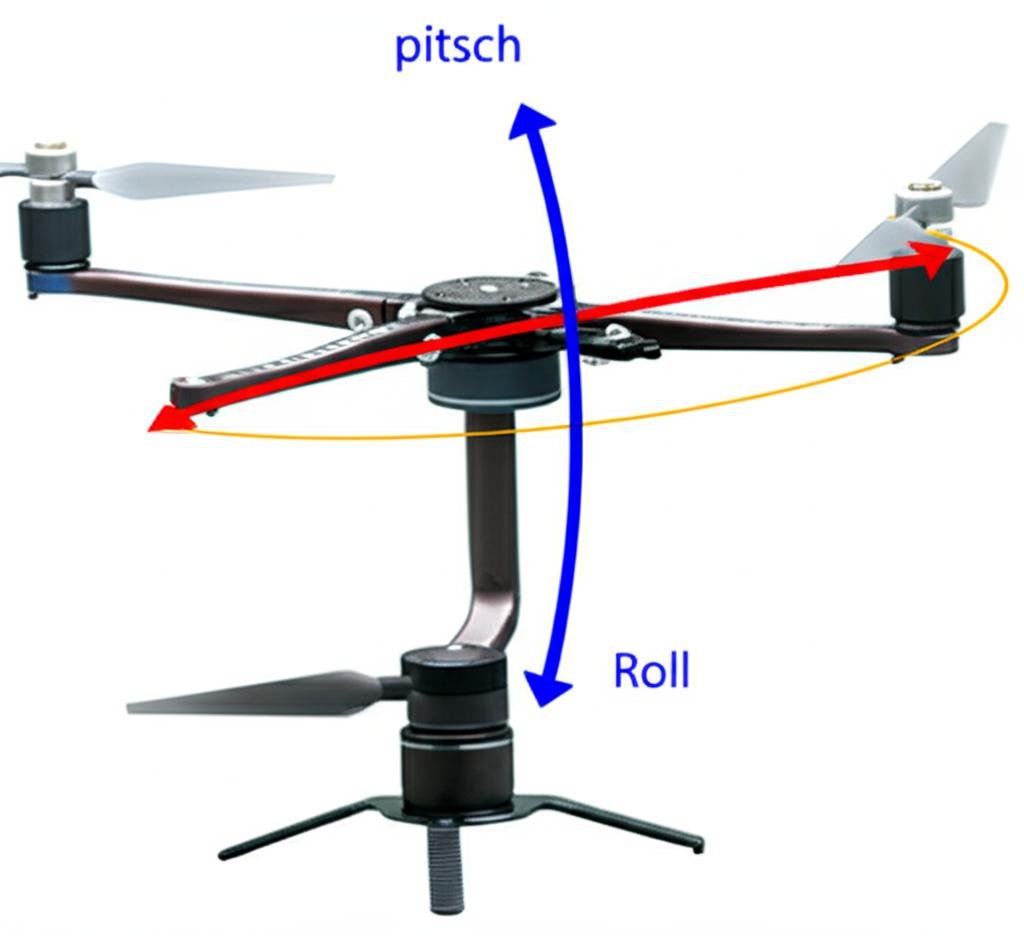
- 3-axis stabilization: Adjusts pitch (up/down), roll (side-to-side), and yaw (left/right).
- Follow modes: Tracks subjects automatically (e.g., panning with moving cars).
- Compatibility: Works with smartphones, DSLRs, and mirrorless cameras via mounts.
Practical example: A vlogger uses a DJI OM 5 to capture walking shots without jostling the frame.
2. Why You Need a Tripod
A tripod locks your camera in place, eliminating all motion-related blur. It’s the backbone of:
- Low-light photography: Long exposures (e.g., star trails) require absolute stillness.
- Macro or detail shots: Tiny imperfections vanish with a stable platform.
- Remote control: Use apps like Snapseed for touchscreen adjustments without touching the camera.
Tip: For time-lapses, combine a tripod with intervalometer software for seamless sequences.
3. When Can a Gimbal Substitute a Tripod?
In rare scenarios, a gimbal might *partially* replace a tripod:
- Handheld alternatives: If you need slight movement (e.g., panning shots), a gimbal can mimic tripod-like stability while adding motion.
- Portability: A gimbal’s lightweight design suits tight spaces where tripods are impractical.
Caveat: Gimbals struggle with ultra-stable shots (e.g., astrophotography) because motors can’t compensate for wind or vibrations as effectively as a solid tripod.
4. Key Differences: Gimbal vs. Tripod
| Feature | Gimbal | Tripod |
|---|---|---|
| Primary Use | Dynamic movement | Static stability |
| Setup Time | Quick (attach and go) | Longer (adjust legs, balance) |
| Battery Life | Short (1-3 hours) | N/A |
| Cost | $200-$1000 | $50-$500 |
Note: High-end gimbals (e.g., DJI RS 3 Pro) rival tripod quality in some cases but remain specialized tools.
5. Best Practices: Using Both Together
Here’s how to leverage both devices for maximum impact:
- Shoot setup: Mount on a tripod for framing, then switch to gimbal for movement.
- Multi-camera rigs: Use a tripod as a base for multiple gimbals (e.g., drone + handheld synced shots).
- Creative transitions: Start on a tripod, then “lift off” into a gimbal-controlled shot.
Pro tip: Invest in modular accessories (e.g., quick-release plates) to swap between devices fast.
Conclusion: Choose Based on Your Needs
While a gimbal can’t replace a tripod outright, understanding their strengths helps you build a toolkit tailored to your workflow. Whether you prioritize mobility (gimbal) or precision (tripod), or blend both, mastering these tools elevates your content. Experiment, test, and remember—sometimes, the best shot requires neither!
—
Question 1?
No, a gimbal stabilizes movement, while a tripod locks the camera still. They address different needs: dynamic vs. static shots.
Question 2?
For handheld motion (vlogging, action shots). Tripods are better for long exposures, time-lapses, or ultra-precise framing.
Question 3?
Yes! Pairing a tripod for setup and a gimbal for movement lets you transition between static and dynamic shots seamlessly.
Question 4?
Gimbals cost more ($200+), while basic tripods start under $50. High-end gimbals approach tripod-level stability but aren’t interchangeable.
Question 5?
Invest in quick-release plates, spare batteries, and practice switching between devices to save time on location.
Frequently Asked Questions
Can I shoot video on a tripod?
Absolutely! Tripods excel for slow-moving or static footage, especially in low light. Gimbals add fluidity, but tripods offer rock-solid baseline stability.
Do professional filmmakers use tripods?
Yes! Tripods are standard for establishing shots, interviews, and scenes requiring absolute stillness. Gimbals handle dynamic pans or dolly effects.
Which is heavier to transport?
Gimbals are typically lighter (under 1 lb), but large tripods can weigh several pounds. Compact carbon-fiber tripods offer a middle ground.
Are there hybrid tools?
Some tripods have built-in heads (e.g., fluid heads) that allow slight movement, but true stabilization still requires a separate gimbal.
How do I choose between the two?
Ask yourself: Do you need movement (gimbal) or immobility (tripod)? Most users own both for flexibility.